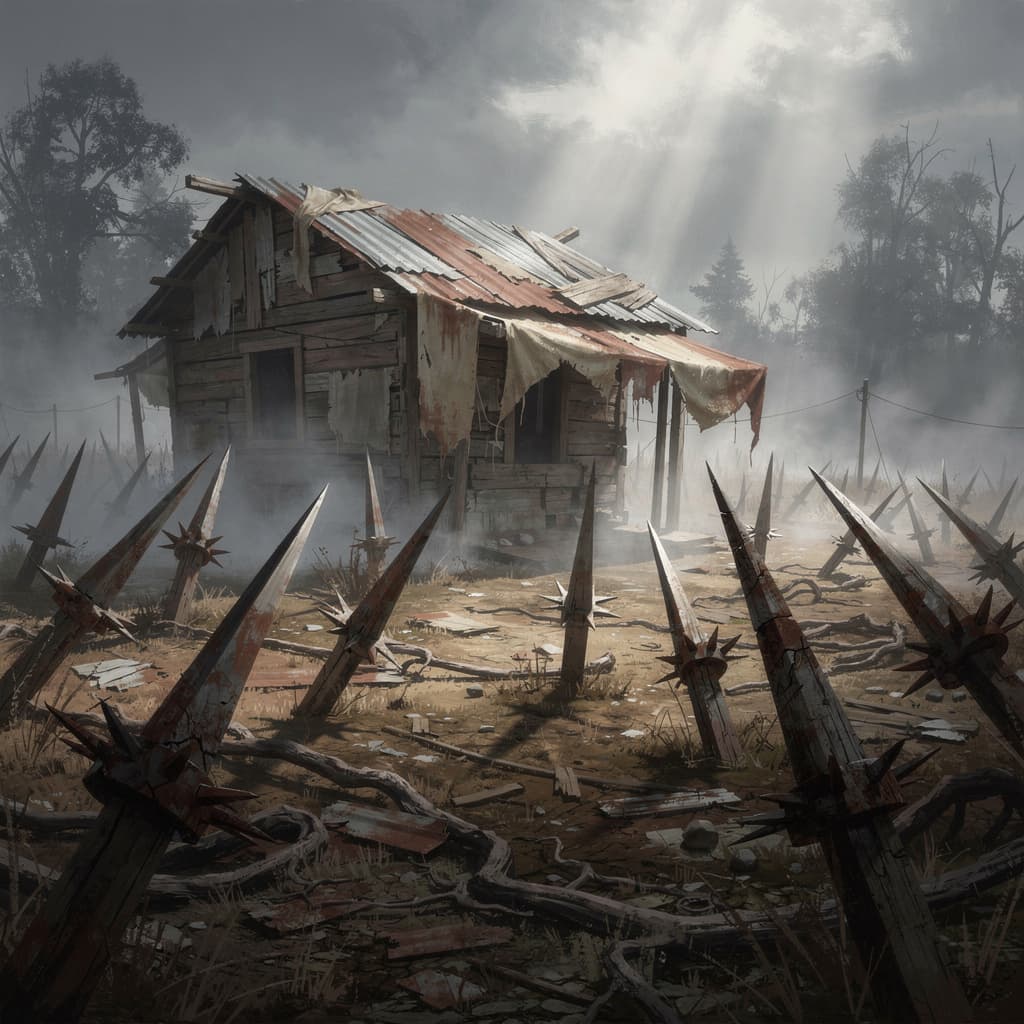
Scavenger
6GB RAM · 250% CPU
Best for a private group of 4 to 6 players
- ● 6GB DDR5 RAM
- ● 250% Ryzen 9 9950X CPU
- ● 30GB NVMe storage
🇺🇸 New York, US · 🇩🇪 Frankfurt, DE · 🇸🇬 Singapore, SG
$14.00/mo
Up to 4 players
Get Started
Build your fortress and defend against the Blood Moon horde on a 7 Days to Die server from Expanse.
Best for a private group of 4 to 6 players
Up to 4 players
Get Started
Best for 8 or more players with a large map
4-8 players
Get Started
Best for full servers running overhaul mods
8-16 players
Get StartedRyzen 9 9950X performance, resilient networking, and a control panel built around the way long-running 7 Days to Die worlds grow.

Overclocked Ryzen 9 9950X and NVMe keep a heavily built world steady for a full crew.
Enterprise DDoS protection on every server, so your world is still standing when you log back in.
Your server deploys the moment you order. No SteamCMD, no port forwarding, no waiting.
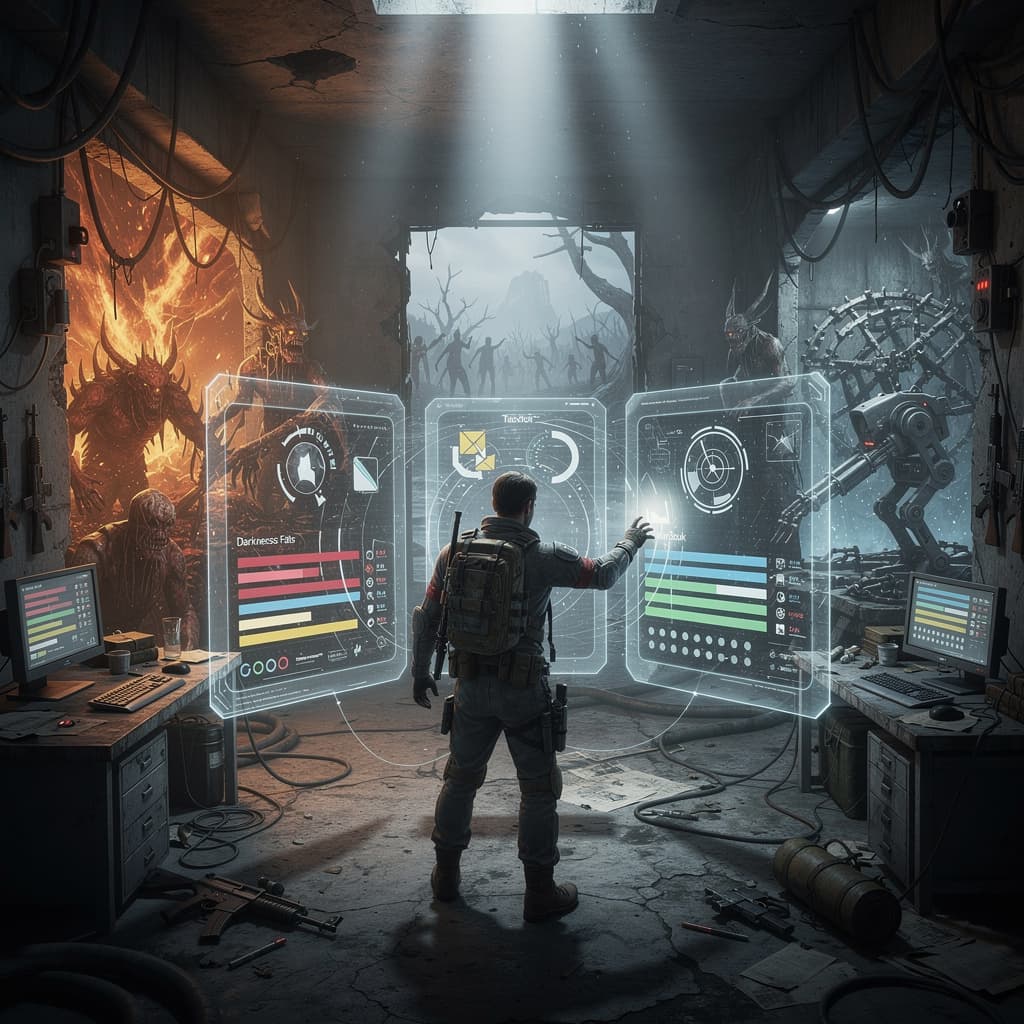
MOD SUPPORT BUILT IN
Install mods through the file manager and configure them without any command line access. Overhaul mods like Darkness Falls and War3zuk are fully supported.
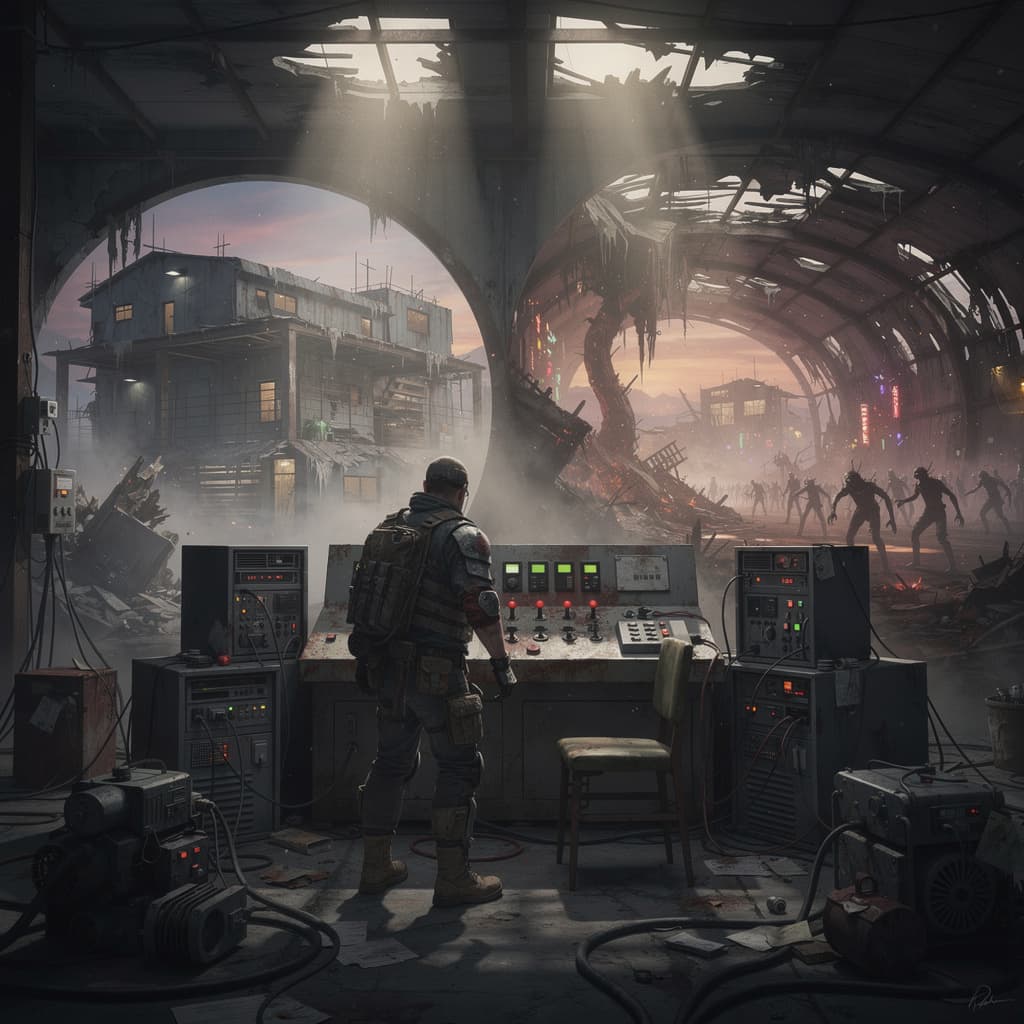
STABLE OR EXPERIMENTAL?
Switch between stable and experimental branches from your control panel whenever you want. The server restarts on the selected version automatically.
Answers from the Expanse team for 7 Days to Die, crossplay, world transfers, mods, and long-term hosting.
For a private group of 4 to 6 players, the 6GB plan is a solid starting point. For 8 or more players with a large map and mods, 10GB to 16GB gives better performance.
Yes. You can install mods through the file manager and configure them without any command line access. Overhaul mods like Darkness Falls and War3zuk are fully supported.
You can switch game branches from your control panel without any command line access. The server restarts on the selected version automatically.
Yes. All plans include enterprise DDoS mitigation via Cloudflare up to 500+ Tbps, keeping your server running through horde night and beyond.
Yes. Our game switch lets you move to any of 100+ supported games on the same server without needing a new purchase or a new plan.
Start on Ryzen 9 9950X hardware with NVMe storage, global locations, DDoS protection, and no player-slot fees.
View 7 Days to Die Plans