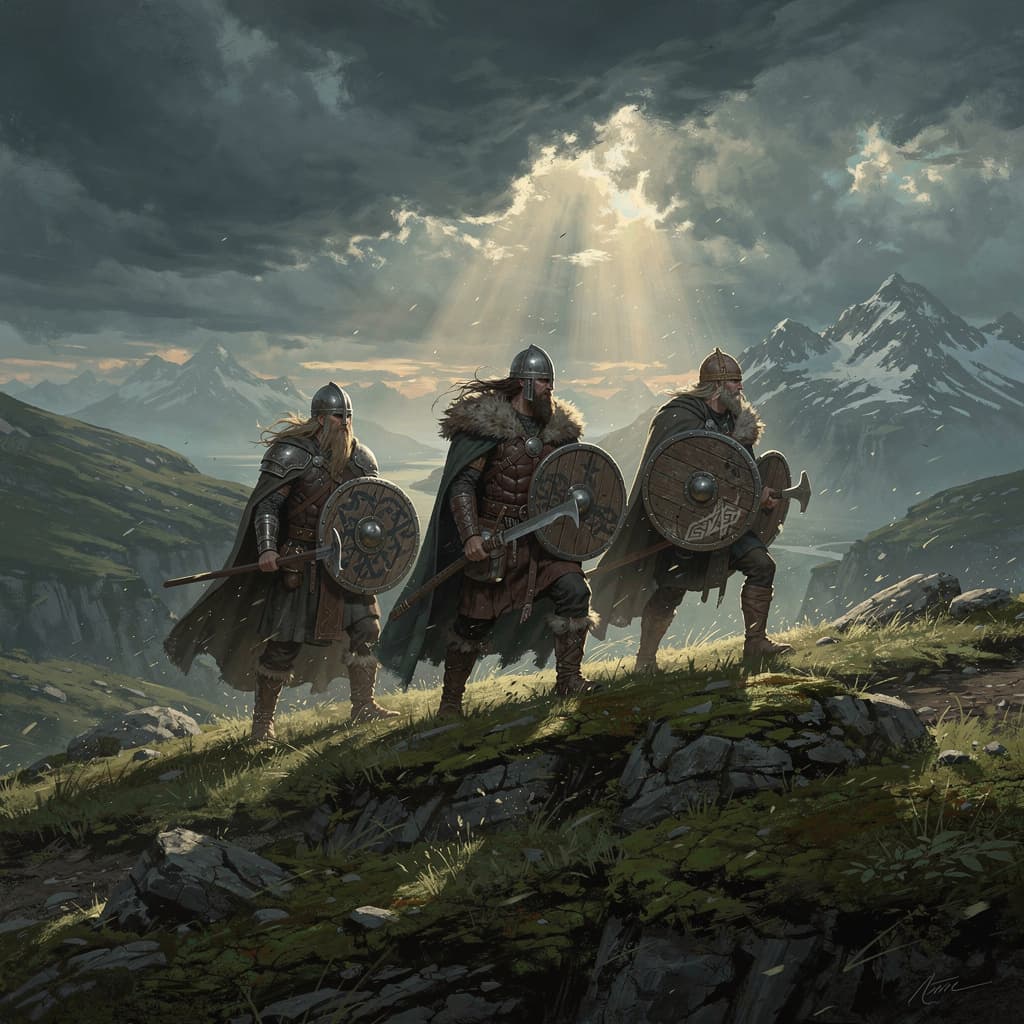
Viking
4GB RAM · 150% CPU
Best for a small viking squad
- ● 4GB DDR5 RAM
- ● 150% Ryzen 9 9950X CPU
- ● 15GB NVMe storage
🇺🇸 New York, US · 🇩🇪 Frankfurt, DE · 🇸🇬 Singapore, SG
$8.00/mo
Up to 5 players
Get Started
Explore the Viking afterlife with friends on a Valheim server built for long-term survival.
Best for a small viking squad
Up to 5 players
Get Started
Best for a growing crew
Up to 10 players
Get Started
Best for a full, heavily built world
10 players + mods
Get StartedRyzen 9 9950X performance, resilient networking, and a control panel built around the way long-running Valheim worlds grow.

Overclocked Ryzen 9 9950X and NVMe keep a heavily built world steady for a full crew of ten.
Enterprise DDoS protection on every Valheim server, so the longhouse is still standing when you log back in.
Your server deploys the moment you order. No SteamCMD, no port forwarding, no waiting.

MOVING FROM A SELF-HOSTED WORLD?
Upload your existing .db and .fwl through the file manager or SFTP, point the server at the world name, and your seed, builds and boss progress come along.
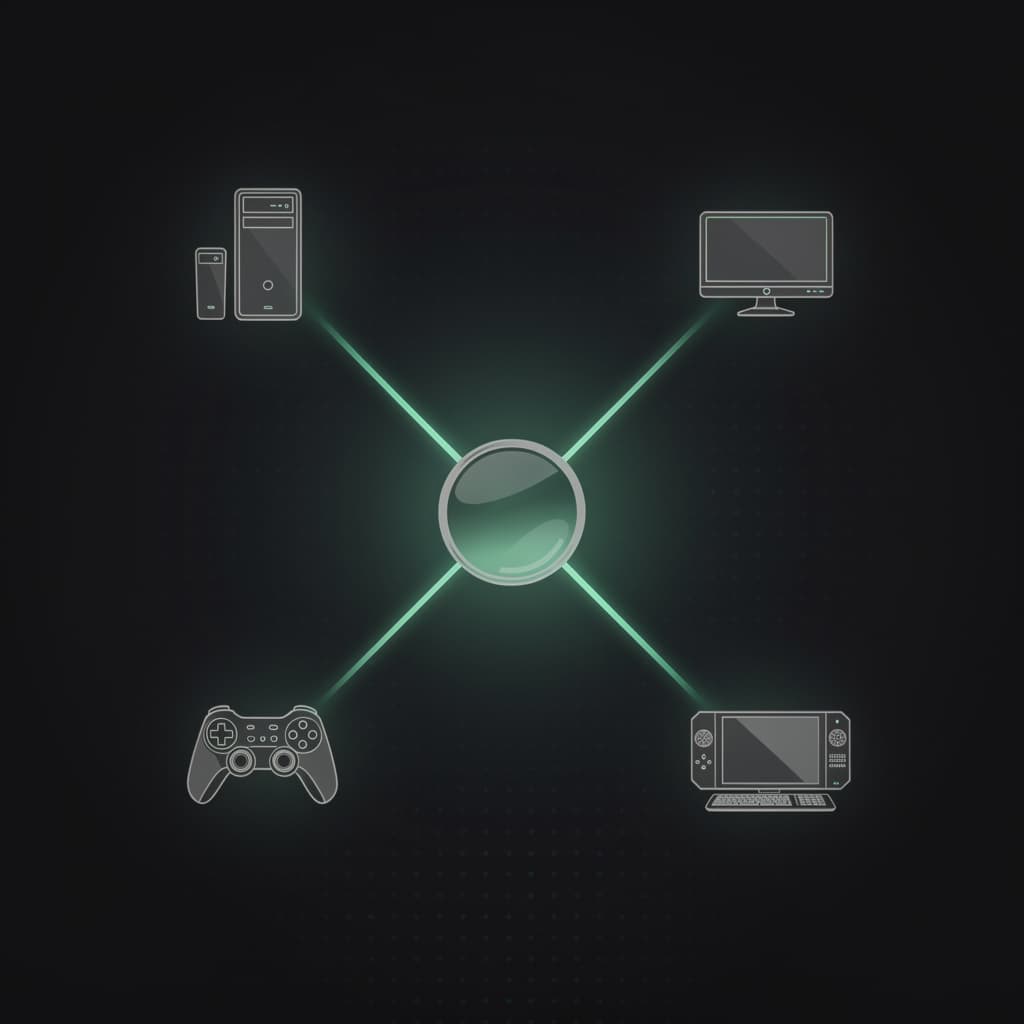
STEAM, XBOX, PLAYSTATION AND SWITCH, ONE WORLD
Flip the crossplay toggle in the panel and Steam, Xbox, PS5 and Switch 2 players all land in the same world through a join code. No launch flags, no config files.
Answers from the Expanse team for Valheim, crossplay, world transfers, mods, and long-term hosting.
Valheim supports up to 10 players on a single server. The 4GB plan handles a full group comfortably, though 8GB gives extra headroom as your world grows.
Yes. Upload your existing world file through the file manager in your control panel and your world will be available immediately. No data loss.
Yes. BepInEx and other Valheim mods can be installed through the file manager. Our support team can help you get your mod setup configured correctly.
Yes. Every plan includes enterprise DDoS mitigation up to 500+ Tbps via Cloudflare, keeping your Viking world online at all times.
Yes. You can upgrade your RAM plan at any time through your control panel as your world grows and your group expands.
No. Existing worlds and characters carry straight into 1.0. Upload your world file through the control panel and keep playing. New Deep North terrain only generates in areas you have not explored yet, so the further you have already travelled north, the more you may want to start a fresh world for the full biome. Deep North grows your world file over time, so if you are on the 4GB plan and plan to explore it heavily, 8GB gives you headroom.
Valheim's server is bound by single-thread CPU speed and world-file I/O more than raw RAM, which is why our plans run on AMD Ryzen 9 9950X with NVMe storage. 4GB suits up to about 5 players on a vanilla world. 8GB or 12GB is better for larger groups, heavy BepInEx mod stacks, or aggressive Deep North exploration.
Yes. The 1.0 release adds PlayStation 5 and Nintendo Switch 2 alongside PC and Xbox, all with crossplay. One Expanse Valheim server accepts players from every supported platform with no extra configuration. If cross-platform players cannot connect right after the update, toggle crossplay off and back on in the server settings. Note that some consoles receive the 1.0 patch later than others, which can cause temporary connection issues until every platform is on the same version.
Enable Auto Update in Server Options and restart the server. Most servers already have this on by default. From the Expanse control panel you can also trigger the update manually with one click, and the server restarts on the latest version automatically.
They may break temporarily. The 1.0 update includes Unity engine changes, so BepInEx and Valheim Plus plugins often need updated versions before the server will start again. If your server fails to boot after updating, pull the latest plugin builds from Thunderstore or Nexus Mods and replace them through the file manager. Our support team can help you get the mod stack running again.
Yes. Take a manual backup of your .db and .fwl world files before you update. Every Expanse plan runs daily automated backups, and you can trigger an on-demand backup or download the world files yourself from the control panel at any time.
That almost always means the client and the server are on different game versions. Update both to the same version and reconnect. After a major patch like 1.0 this can also happen when a console has not received the update yet, in which case those players can connect once their platform is patched.
Start on Ryzen 9 9950X hardware with NVMe storage, global locations, DDoS protection, and no player-slot fees.
View Valheim Plans