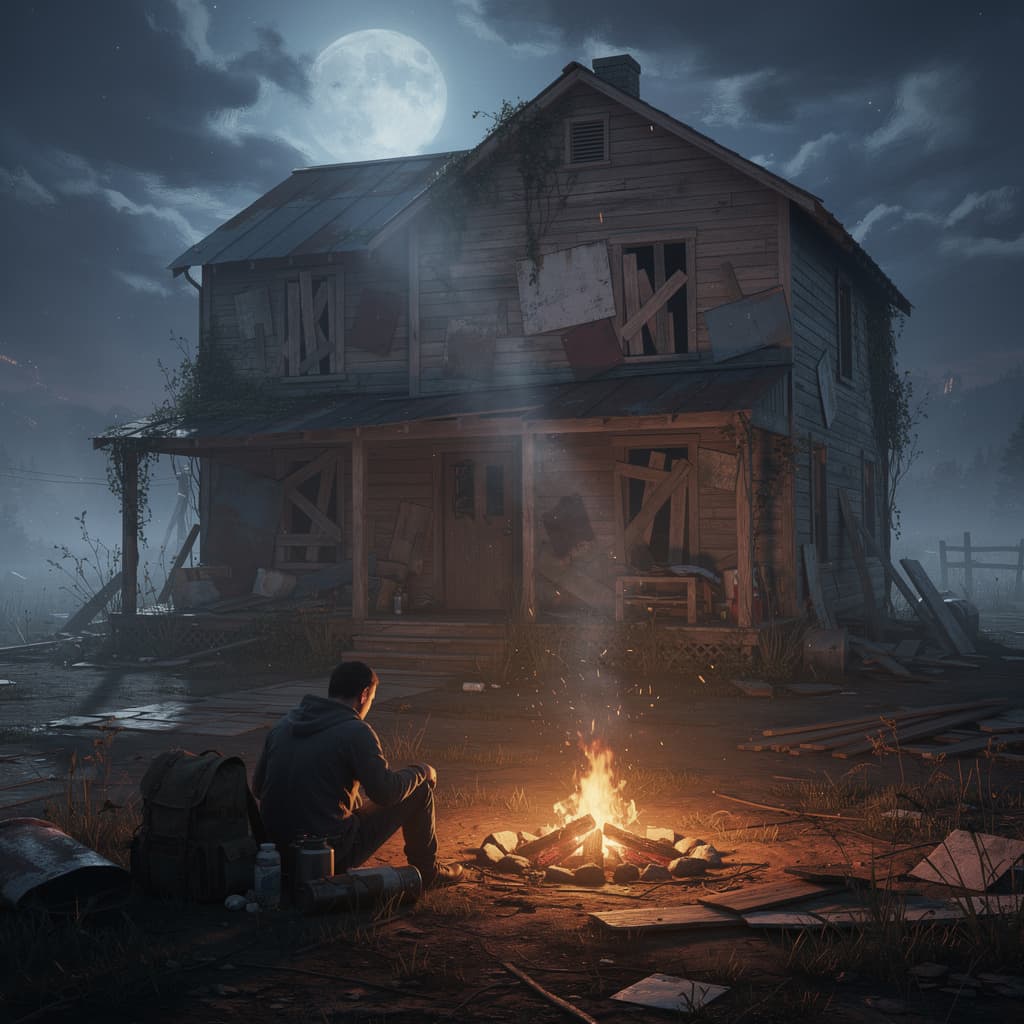
Survivor
4GB RAM · 150% CPU
Best for a small group of up to 4
- ● 4GB DDR5 RAM
- ● 150% Ryzen 9 9950X CPU
- ● 15GB NVMe storage
🇺🇸 New York, US · 🇩🇪 Frankfurt, DE · 🇸🇬 Singapore, SG
$9.00/mo
Up to 4 players
Get Started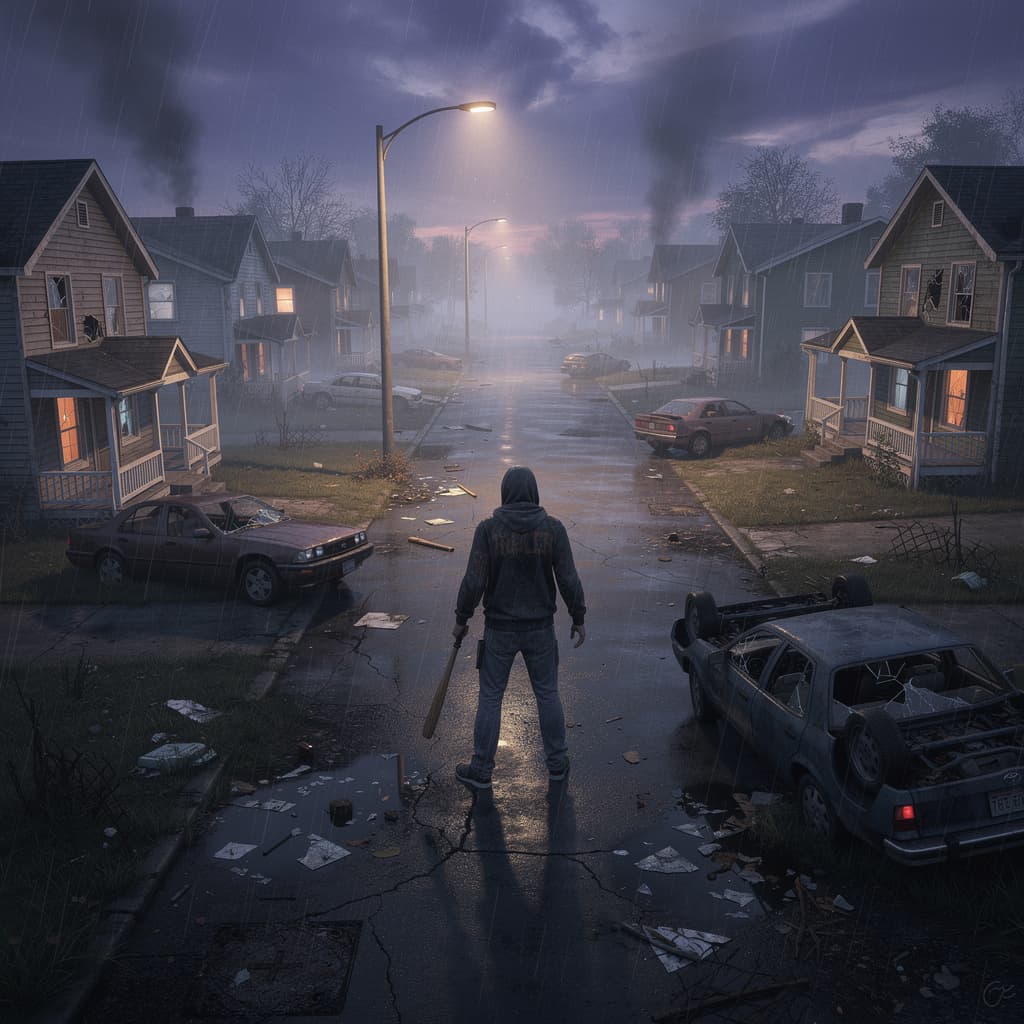
Outlast the zombie apocalypse together on a high-performance Project Zomboid server with full mod support.
Best for a small group of up to 4
Up to 4 players
Get Started
Best for growing groups running mods
4-10 players
Get Started
Best for large maps and heavy mod lists
10-20 players
Get StartedRyzen 9 9950X performance, resilient networking, and a control panel built around the way long-running Project Zomboid worlds grow.
Overclocked Ryzen 9 9950X and NVMe keep a heavily built world steady for a full crew.
Enterprise DDoS protection on every server, so your world is still standing when you log back in.
Your server deploys the moment you order. No SteamCMD, no port forwarding, no waiting.

KEEPING YOUR MOD LIST IN SYNC
Install Steam Workshop mods directly through the control panel without manual file editing. Mods sync automatically when players connect, so your whole group stays on the same list.
MOVING FROM A SELF-HOSTED SAVE?
Upload your existing save files through the file manager and your survivors, safehouses and progress carry over. Daily automated backups then protect the run from here on.
Answers from the Expanse team for Project Zomboid, crossplay, world transfers, mods, and long-term hosting.
For a small group of 4 to 6 players, 4GB works. For 10 or more players with mods and a large map active, 8GB to 12GB gives a much smoother experience.
Yes. You can install Steam Workshop mods directly through your control panel without any manual file editing. Mods sync automatically when players connect.
Yes. You can upload your existing save files to your Expanse server through the file manager in the control panel. Your progress carries over without any issues.
Yes. All plans include enterprise DDoS mitigation up to 500+ Tbps through Cloudflare, keeping your server running even under sustained attack.
Yes. Our game switch feature lets you move to any of 100+ supported games on the same server at any time without buying a new plan.
Start on Ryzen 9 9950X hardware with NVMe storage, global locations, DDoS protection, and no player-slot fees.
View Project Zomboid Plans